


Custom Ribbon Setup Costs: Artwork, Sampling, and Reorder Controls
Separate one-time setup costs from unit price: artwork review, screen or foil setup, sample revisions, packing checks, and reorder controls.

Custom ribbon setup costs are the one-time or project-specific costs that appear before a supplier can quote stable bulk production. They are different from unit price, and mixing them together makes supplier quotes hard to compare.
For the broad unit-cost discussion, use the custom ribbon unit cost guide. This page is narrower: it helps buyers separate artwork, sampling, setup, and reorder-control costs before approving a custom order.
What counts as setup cost in a custom ribbon order?
Setup cost may come from artwork checking, screen or foil preparation, sample making, color proofing, packing mockups, revision rounds, or retained production files. The exact items depend on the ribbon material, print method, logo complexity, quantity, and approval process.
The buyer should ask the supplier to separate one-time costs from repeat-order costs. That makes the first order easier to approve and prevents the reorder from being priced as if the factory is starting over.
Artwork review and production setup
Artwork setup is not only file conversion. The supplier must check line thickness, logo size, repeat spacing, ribbon width, color target, and the print or foil route. If the file is unclear, the cost risk is not the file itself; it is the sample delay, revision loop, and possible bulk mismatch.
When the artwork is for printed branding, compare the route with custom printed ribbon. Buyers should send vector files, Pantone or color references, logo placement, and intended use before asking for a final price.
Sampling, revision, and approval costs
A physical sample can prevent a much more expensive bulk mistake. Buyers should ask whether the quote includes sample making, courier cost, revision rounds, color proofing, and retained sample records. If those items are excluded, the first low quote may not be the real project cost.
Use the sampling and artwork process to define who approves the sample, what evidence is kept, and what changes require a new sample before production starts.
Reorder controls that reduce future cost
Good setup work should make future orders easier. The buyer should keep the approved sample, file version, color note, packing photo, label instruction, and supplier production reference. Without those records, a reorder can become another first order.
Reorder control matters for brand packaging programs, seasonal campaigns, award events, and distributor replenishment because the second batch must match the approved first batch closely enough for the buyer’s market.
How to ask suppliers to separate cost items
- Ask which costs are one-time setup costs and which repeat on every order.
- Ask whether sample, courier, artwork revision, and color proofing are included.
- Ask how the supplier stores approved files, sample records, and packing instructions.
- Ask what change would trigger a new setup charge.
- Ask whether reorders can use the same production reference.
For a quote-ready request, prepare the details through the RFQ page instead of asking for a generic unit price.
Frequently asked questions
Are setup costs the same as MOQ?
No. MOQ is the minimum production quantity or route requirement. Setup cost is the project-specific work needed to prepare artwork, sample, print, foil, pack, or document the order.
Can setup costs disappear on reorders?
Some can be reduced when the buyer keeps the same artwork, material, color, packing, and approval record. Any design or production change can make setup work necessary again.
Why should buyers separate setup cost from unit price?
Because a low unit price can hide excluded sample, artwork, proofing, or packing costs. Separating them makes supplier quotes easier to compare.
Keep exploring
Recommended buyer guides
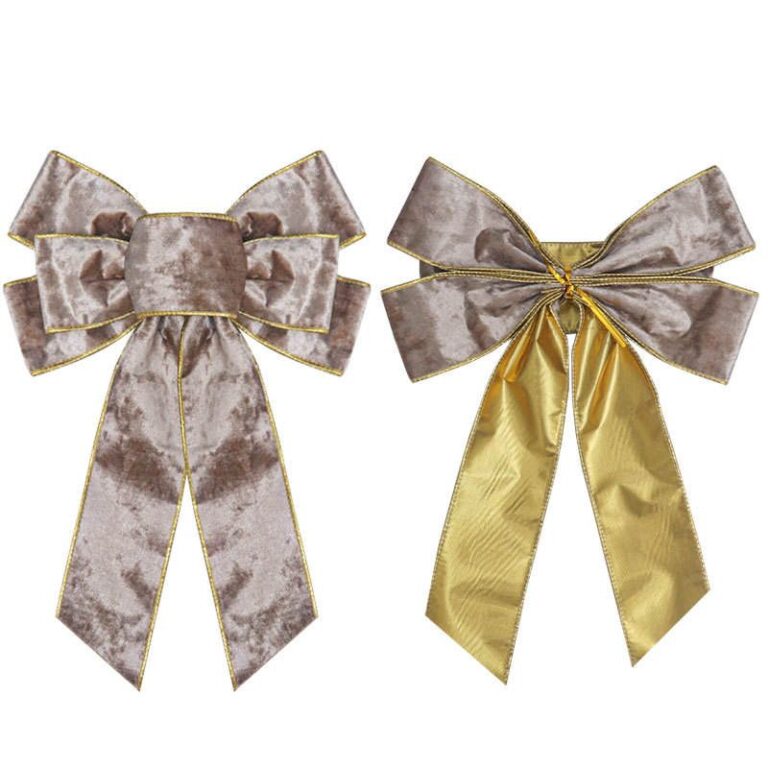 Pre-Tied Bows for Retail Packaging: When They Reduce Labor and Rework
See when pre-tied bows reduce retail packaging labor, improve consistency, and simplify bulk packing, SKU planning, and reorders
Explore guide
Pre-Tied Bows for Retail Packaging: When They Reduce Labor and Rework
See when pre-tied bows reduce retail packaging labor, improve consistency, and simplify bulk packing, SKU planning, and reorders
Explore guide
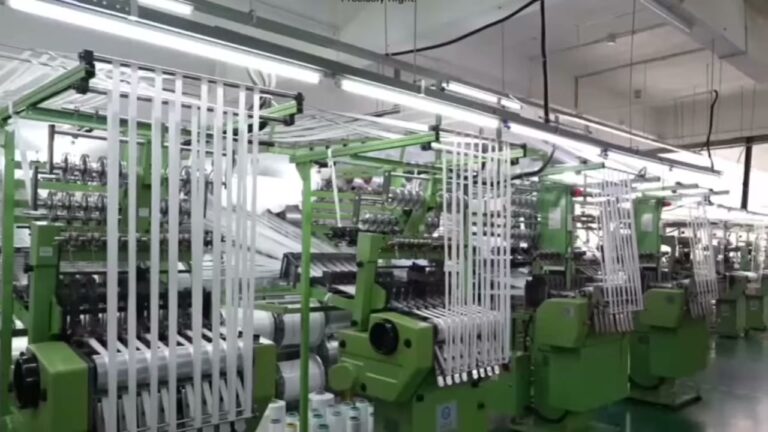 Velvet Ribbon Wholesale Checklist: MOQ, Finish, and Supplier Questions
Evaluate velvet ribbon wholesale options: MOQ, setup fees, unit cost, and packing. Narrow the list before requesting samples…
Explore guide
Velvet Ribbon Wholesale Checklist: MOQ, Finish, and Supplier Questions
Evaluate velvet ribbon wholesale options: MOQ, setup fees, unit cost, and packing. Narrow the list before requesting samples…
Explore guide
 Wholesale Custom Ribbon with Logo: Specs, Roll Length, and RFQ Checks
Step-by-step: Custom Ribbon With Logo. Check artwork files, print method, color target, and sample approval to avoid delays,…
Explore guide
Wholesale Custom Ribbon with Logo: Specs, Roll Length, and RFQ Checks
Step-by-step: Custom Ribbon With Logo. Check artwork files, print method, color target, and sample approval to avoid delays,…
Explore guide
 Wholesale Ribbon By The Roll: Roll length and inventory planning
Evaluate Wholesale Ribbon By The Roll options: factory capability, QC proof, lead time, and reorder reliability. Narrow the…
Explore guide
Wholesale Ribbon By The Roll: Roll length and inventory planning
Evaluate Wholesale Ribbon By The Roll options: factory capability, QC proof, lead time, and reorder reliability. Narrow the…
Explore guide
Leave a comment
Share a sourcing question or feedback on this guide. The Lude team reviews submissions before following up.