


Common Print File Mistakes That Delay Custom Ribbon Sampling
Many ribbon sampling delays come from print file errors, not factory capacity. See common mistakes buyers make and how to prevent them

Custom ribbon sampling gets delayed when the buyer sends brand intent but not production-ready artwork. For importers, wholesalers, gift packaging teams, event buyers, and retail brands, the real problem is usually missing specification control: file format, ribbon width, color target, print method, MOQ route, packing use, and approval ownership are not tied together.
Expert note: The Lude Ribbon editorial team works with ribbon manufacturing, sampling, printing, quality control, and export service specialists to create practical B2B buying guides.
This guide shows which file mistakes delay sampling, how buyers can catch them before quote approval, and how to recover when the issue is already affecting cost, quality, or delivery planning.
Why this problem happens
Print-file delays usually start before the factory opens the artwork. A buyer may send a logo image, a brand guideline, and a ribbon width, but the supplier still needs production-ready parameters: vector artwork, repeat spacing, printable area, base material, color target, print method, quantity, packing requirement, and approval owner. Without those details, the quote, sample, and production slot are based on assumptions rather than a controlled specification.
| Delay trigger | Factory-side question | Commercial risk |
|---|---|---|
| Raster logo or flattened artwork | Can the logo edge print cleanly at the requested ribbon width? | Sampling may pause while artwork is redrawn, and cost can change if the print process changes. |
| No printable-area rule | Where should the logo sit relative to ribbon edge, bow fold, or cut end? | The sample may look correct flat but fail on packaging, hanger cards, or gift boxes. |
| Missing color reference | Is the buyer approving a textile color, a print ink color, or a screen-viewed file? | Color disputes appear late because buyer, procurement, and factory are comparing different references. |
| No order context | Is this plain stock ribbon, printed ribbon, custom color, or custom width? | MOQ, quote basis, production planning, and lead time may be quoted against the wrong route. |
Define the requirement and success criteria
For file checks, start with the same discipline used in the custom sampling and artwork process: one artwork version, one ribbon specification, one approval record, and one target use case. If the project is printed ribbon, Lude Ribbon uses 3,000 yards per design or program as the printed MOQ reference. Plain stock ribbon uses 1,500 yards per selected color.
Sampling inspection language can also be standardized. The ISO 2859-1 sampling inspection standard is a useful neutral reference when buyers want lot-by-lot inspection wording instead of vague comments such as ‘check quality carefully.’
Confirm execution details with the factory
Ask the factory to confirm substrate, width, logo height, repeat distance, edge clearance, ink or foil route, sampling file, expected cost driver, and the 15-20 business day standard production lead time after specifications are confirmed. This keeps the buyer’s deadline discussion tied to real production inputs instead of a general delivery wish.
Approve samples and control reorder risk
A clean approval record should include the artwork file name, sample photo, ribbon material, base color, print color target, packing method, and any accepted tolerance. That record gives procurement a way to compare reorder quality, catch drift, and avoid changing suppliers for a problem that started with incomplete file control.
Early warning signs buyers can check
The fastest warning sign is a supplier question that should have been answered in the RFQ. If a factory has to ask about width, material, color reference, quantity, artwork format, or packing after pricing starts, the buyer is not yet comparing like-for-like quotes. These checks help procurement catch the gap before it becomes a sample delay or cost revision.
Early warning signs buyers can check – Define the requirement and success criteria
- The artwork is a screenshot, JPG, PNG, or PDF proof without editable vector paths for the custom printed ribbon order.
- The ribbon width is named, but the printable logo height and edge clearance are not confirmed.
- The buyer gives a brand color name, but no Pantone, textile, ink, or approved physical reference.
- The quantity is missing or below the correct production route, so MOQ and price cannot be checked responsibly.
For fabric color language, compare the reference system against Pantone Color Systems for Textiles before treating a screen color as a production target.
Early warning signs buyers can check – Confirm execution details with the factory
- The factory asks whether silk screen printing, digital printing, or foil stamping is preferred, but the buyer has not linked method choice to substrate and artwork detail.
- The same file is expected to work across satin, grosgrain, metallic, organza, or velvet without a sample-risk note.
- The buyer asks for a delivery promise before file review, sample approval, packing, and production queue are confirmed.
Early warning signs buyers can check – Approve samples and control reorder risk
- The approved sample photo does not show repeat spacing, logo orientation, or the ribbon after it is tied or placed on packaging.
- The approval email says ‘looks good’ but does not name the file version, material, width, or color target.
- The reorder team may be unable to find the original artwork, sample notes, or packing spec, which creates future quality and cost risk.
How to prevent it before sampling
Prevention is mostly a file-control workflow. Buyers should separate brand intent from production evidence: the brand guide explains what the logo should look like, while the production package tells the factory how to print it on a specific ribbon material, width, color, quantity, and packaging use. That distinction protects cost, quality, and schedule.
How to prevent it before sampling – Define the requirement and success criteria
- Send editable vector artwork and an approval PDF generated from the same file.
- Name the substrate, width, base color, logo height, repeat spacing, print color, and order quantity in the RFQ.
- State whether the ribbon will be tied into bows, wrapped around boxes, used on hang tags, or cut into short pieces.
For color-sensitive packaging, the Pantone Extended Gamut guide for packaging helps buyers separate packaging-print color language from textile color language before sample approval.
How to prevent it before sampling – Confirm execution details with the factory
- Ask whether a bright ink, foil mark, or contrast test is needed when the order uses metallic ribbon or another reflective base.
- Confirm the production route for foil printing, screen printing, or digital printing instead of assuming one method fits every artwork.
- Ask the supplier to flag any spec detail that changes price, sample timing, packing, or inspection criteria.
How to prevent it before sampling – Approve samples and control reorder risk
- Keep the approved sample, artwork file, color reference, and order sheet together.
- Record accepted variance for print position, base shade, and repeat spacing if the project is recurring.
- Use the same approval owner for sample and bulk signoff when possible, so procurement does not approve a different version later.
What to ask the supplier
A useful supplier question is specific enough to change the quote or sample plan. For gift and retail packaging ribbon solutions, ask how the ribbon will be handled after printing, whether the logo repeats align with the retail pack, and how the sample will represent bulk production. These answers connect artwork, material, cost, and delivery risk instead of leaving the buyer with a generic promise.
What to ask the supplier – Define the requirement and success criteria
Ask: Which artwork file will be treated as production master? What ribbon material and width are being quoted? Is the order plain stock ribbon, printed ribbon, custom color, custom width, rosette, sash, or another construction? Which MOQ rule is being used for this specification?
What to ask the supplier – Confirm execution details with the factory
Ask: Which printing process is recommended for this substrate and artwork detail? What sampling proof will be retained? Which issue would change cost or lead time? What factory-side check should the buyer approve before bulk production starts?
What to ask the supplier – Approve samples and control reorder risk
Ask: What will be stored for reorder control: file name, physical sample, production photo, carton label, packing method, and inspection note? A supplier that can answer these points gives procurement more control than a supplier that only sends a unit price.
Next action if the issue affects your order
If a file issue has already stopped sampling, do not restart with a new loose message thread. Create one corrected production package and use ribbon resources to align the buyer, procurement team, and supplier around the same specification. The package should state material, width, base color, artwork, quantity, print method preference, packing, target approval date, and production deadline.
Next action if the issue affects your order – Define the requirement and success criteria
First, identify whether the delay is caused by missing artwork, unclear color, wrong material, MOQ mismatch, packing ambiguity, or late sample approval. Each cause needs a different fix; treating all of them as ‘supplier delay’ hides the real risk.
Next action if the issue affects your order – Confirm execution details with the factory
Second, ask the factory to reply with the updated route: print method, sample requirement, revised quote basis, quality check, and production window. The standard production reference is 15-20 business days after specifications are confirmed, so the schedule should not be treated as confirmed while the file is still open.
Next action if the issue affects your order – Approve samples and control reorder risk
Third, approve the corrected sample with a named file and a retained photo. If the buyer expects repeat orders, also record the accepted tolerance and packing rule. That makes the fix useful beyond the first shipment.
Conclusion
Custom ribbon sampling delays are often not caused by printing alone. They come from incomplete file control, unclear material or width, missing color references, weak MOQ context, and approval records that are too informal for production. A quote-ready package gives the factory enough detail to price, sample, inspect, and repeat the job with less risk.
Before sending the next file, confirm the production route, quantity, print method, sample approval owner, and standard 15-20 business day production window after specifications are confirmed. That is the practical way to reduce artwork rework without weakening brand quality.
FAQs About Common Print File Mistakes That Delay Custom Ribbon Sampling
Which artwork format is safest for custom ribbon sampling?
Editable vector artwork is safest because the factory can check logo height, repeat spacing, edge clearance, and print color against the actual ribbon width. A PDF proof is useful, but the editable production file should still be controlled.
Does a print file mistake change MOQ?
The mistake itself does not create a new MOQ rule, but it may reveal that the order was quoted under the wrong route. Printed ribbon uses 3,000 yards per design or program, while plain stock ribbon uses 1,500 yards per selected color.
Can the supplier choose the print method without buyer input?
The supplier can recommend foil printing, screen printing, or digital printing, but the buyer should still confirm substrate, artwork detail, color target, quantity, sample approval, and packing use before approving the route.
Keep exploring
Recommended buyer guides
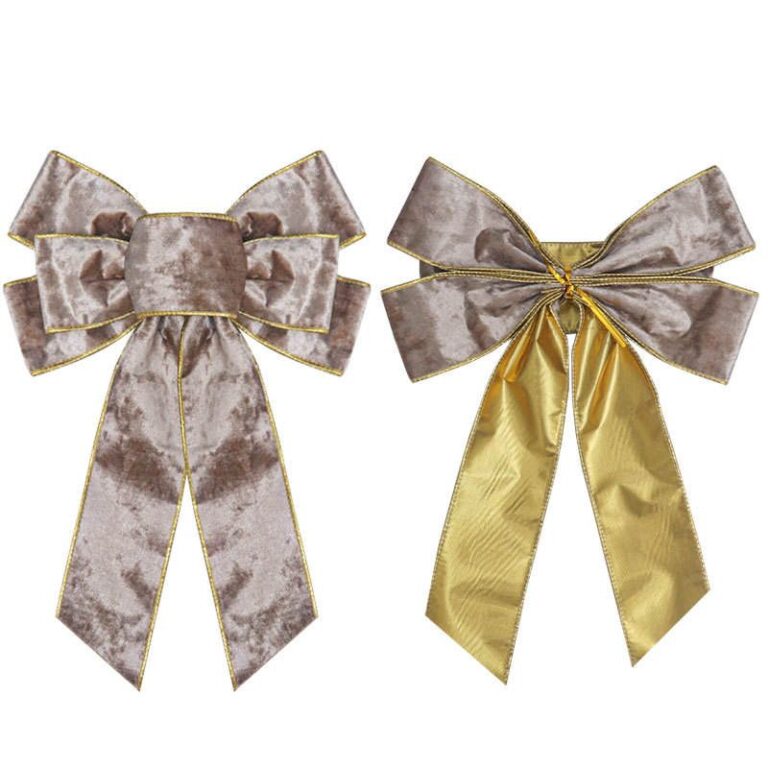 Pre-Tied Bows for Retail Packaging: When They Reduce Labor and Rework
See when pre-tied bows reduce retail packaging labor, improve consistency, and simplify bulk packing, SKU planning, and reorders
Explore guide
Pre-Tied Bows for Retail Packaging: When They Reduce Labor and Rework
See when pre-tied bows reduce retail packaging labor, improve consistency, and simplify bulk packing, SKU planning, and reorders
Explore guide
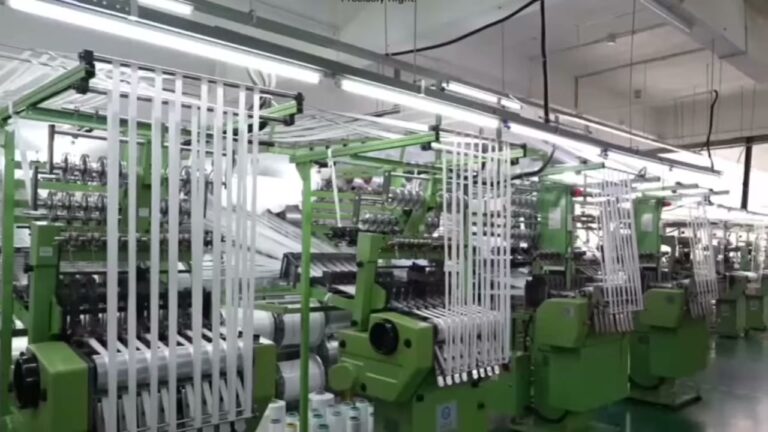 Velvet Ribbon Wholesale Checklist: MOQ, Finish, and Supplier Questions
Evaluate velvet ribbon wholesale options: MOQ, setup fees, unit cost, and packing. Narrow the list before requesting samples…
Explore guide
Velvet Ribbon Wholesale Checklist: MOQ, Finish, and Supplier Questions
Evaluate velvet ribbon wholesale options: MOQ, setup fees, unit cost, and packing. Narrow the list before requesting samples…
Explore guide
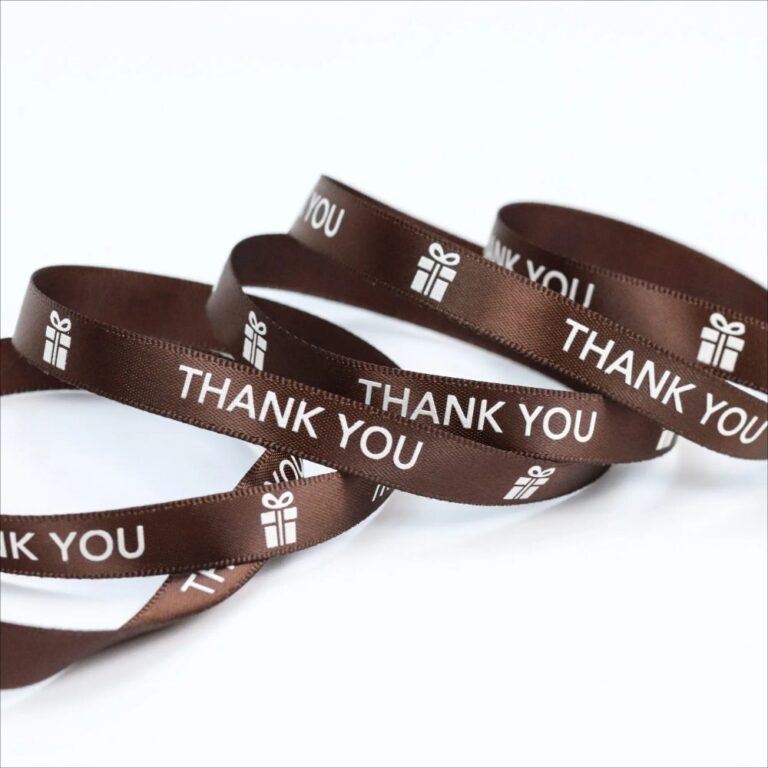 Wholesale Custom Ribbon with Logo: Specs, Roll Length, and RFQ Checks
Step-by-step: Custom Ribbon With Logo. Check artwork files, print method, color target, and sample approval to avoid delays,…
Explore guide
Wholesale Custom Ribbon with Logo: Specs, Roll Length, and RFQ Checks
Step-by-step: Custom Ribbon With Logo. Check artwork files, print method, color target, and sample approval to avoid delays,…
Explore guide
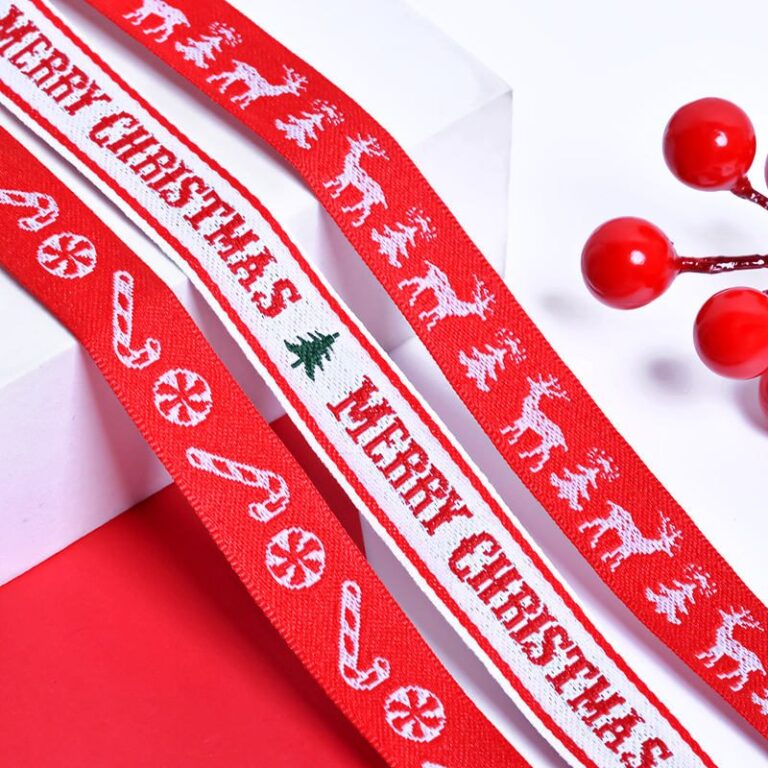 Wholesale Ribbon By The Roll: Roll length and inventory planning
Evaluate Wholesale Ribbon By The Roll options: factory capability, QC proof, lead time, and reorder reliability. Narrow the…
Explore guide
Wholesale Ribbon By The Roll: Roll length and inventory planning
Evaluate Wholesale Ribbon By The Roll options: factory capability, QC proof, lead time, and reorder reliability. Narrow the…
Explore guide
Leave a comment
Share a sourcing question or feedback on this guide. The Lude team reviews submissions before following up.